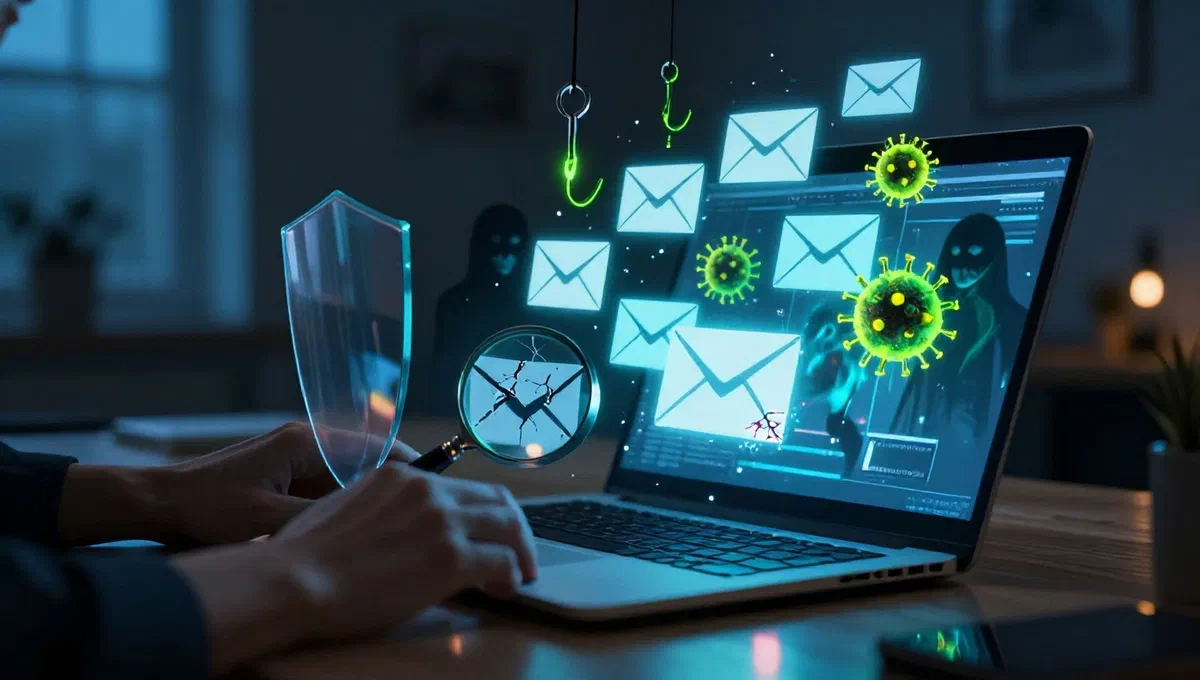
In the digital age, e-mail is an indispensable communication tool, but also a privileged channel for cyber attacks. distinguishing a legitimate message from a malevolent has become crucial for online security. often, the first reaction to a suspicious email is to hide it, but with the increasing sophistication of threats, it is essential to develop a greater awareness to avoid falling into digital traps or, on the contrary, discard important communications. this guide aims to provide the tools and knowledge necessary to safely address the flow of daily emails, learning to recognize alarm signals and adopt the most effective defenses.
Recognize and manage dangerous attachments #
One of the most common carriers to spread malware via email is the presence of unsolicited attachments. many email services already implement preventive filters and automatic scans, blocking or reporting files with notoriously dangerous extensions. however, user vigilance remains the first line of defense.
High-risk attachment types #
- executable files (.exe, .dmg, .java, .js, .vba): these extensions indicate programs or scripts intended for direct execution on the operating system (windows, macos, java, javascript, visual basic). if receiving such a file was not expected, it is almost certain that it is an attempt to malware infection (virus, spyware, ransomware). do not download or open them.
- file .scr or .scr.exe:* apparently screensaver, these files are actually a type of executable that has a long history as carrier of computer infections and, in some variations, is still in use.
- extractive files (.rar.exe): while some compression software offer this functionality legitimately, .rar.exe files are often exploited to mask and execute viruses unaware of the user.
- ** compressed archives (.zip, .rar, .7z):** not all archives are dangerous, but it is essential to pay maximum attention to those that contain executable inside them or other high-risk files mentioned above. this is a common method to bypass email security checks. password protected files can also bypass antivirus, unless they are extracted and scanned.
- ** office documents with macro and pdf** macros are sequences of automatic commands that, although useful to automate repetitive tasks in programs like microsoft office, can be abused to damage data or systems. simply open the file and give consent to the execution of macros to activate a potential attack. pdfs can also be a malware vehicle, exploiting vulnerabilities in pdf readers. it is crucial to keep all software updated, including office and pdf readers.
- file apk/ipa (app for android/iphone): these are installation packages for mobile applications. they may contain viruses, spyware or ransomware. on android, the installation from “unknown originals” makes it easy to run malicious apps downloaded outside the play store. on ios, the direct opening of .ipa files is more complex, but the risk exists.
The golden rule is: if you have not requested or do not expect an attachment, stop the email. in case of doubt, for more experienced users, you can download attachments in a secure environment like a virtual machine] (an isolated operating system that does not interact with the host computer) and use online antivirus scanning services to analyze them before any interaction.
Active defense: antivirus, antimalware and proactive measures #
In addition to careful manual verification, it is essential to equip your devices with active defense tools that can block viruses on the birth, even in case of accidental execution.
Integrated operating system protections #
Most modern operating systems already offer robust defenses. on windows 10 and 11 systems, the integrated antivirus offers effective and constantly updated protection. macs have a security system that prevents unsigned or unauthorized programs from running, while android devices benefit from an automatic scanning system for detecting and blocking harmful apps. maintaining these active and updated protections is the first step for basic safety.
Third-party antivirus and antimalware #
For a higher security level, it is advisable to integrate the operating system protections with a third-party antivirus. these solutions, available in both free and paid versions, offer advanced features and more complete protection. it is crucial that antivirus software is always active and constantly updated to recognize the latest threats.
- advanced features:* many comprehensive security suites include, in addition to scanning real-time files, webcam protection, receiving instant notifications related to data leaks (data breach) and the ability to generate email proxy addresses to protect your identity.
- antivirus with integrated vpn:* some antivirus solutions integrate with vpn services, offering not only malware protection but also advanced online traffic encryption, which is essential for privacy. these solutions often include advanced malware protection features, real-time scanning and detailed analysis, with constantly updated threat databases.
- ** specifications for mac:** also for mac devices there are all-in-one programs that combine system cleaning with protection features, including smart scanning to detect problems quickly.
In addition to the antivirus, it is advisable to support an antimalware program. these tools, often performed occasionally, are designed to detect more elusive threats or remain invisible to traditional antivirus. some of the most effective offer intuitive interfaces and updated definition databases, with advanced features that can be unlocked in paid versions.
Unravel deception: how to identify fake emails and phishing #
Not all dangerous emails contain direct viruses. many aim to induce the user to reveal sensitive information, an attack known as phishing. it is essential to recognize the alarm bells that often characterize these attempts of fraud.
Check the sender #
The first control is always on the sender. if the email address seems strange, it contains errors, or spreads for a known entity (bank, online service) but the address does not correspond to the official one, it is a strong alarm signal. in case of doubt, a quick google search of the email address or the alleged sender may reveal whether it is a known fraud. never blindly trust names that can be easily falsified; always check the full address.
Analyze the list of recipients #
If an unexpected email has been sent to you along with a large number of other recipients you don’t know, it may be a harmless “st. anthony’s chain”, but more often it is an attempt to self-propagate a virus or mass phishing attack. except for corporate or academic communications where the use of the cc field is common for multiple sendings to specific groups.
Examine the content of the text #
The text of the email is a fertile ground to identify hints of fraud:
- email from credit institutes or online services expected:** messages announcing blocked accounts, sums to be collected, urgent requests for access to your home banking due to loss of your account, are almost always phishing attempts. never click on links in these emails to log in. always manually type the site address in the browser.
- requests unexpected password:* similar to previous emails, these emails try to make you click on a link to “confirm” or “reset” the password, redirecting you to a fake page to fill your credentials.
- ** sensitive documentation requests:** unless you have started a specific process requiring the sending of documents, never send copies of id documents or, worse still, front/back scans of your credit card. this information may lead to identity theft or financial fraud.
- hereditary or big wins: emails that promise unexpected legacy or winning lottery never played are classic scam schemes, often coming from the “nigeria” or similar. never respond or click on any link.
Text form: grammatical and logical errors #
A very strong indicator of fraudulent email is the presence of numerous grammatical, syntax or logic errors. many phishing attacks are originally conceived in english and then translated mechanically into other languages, resulting in unsympathetic and unprofessional texts. an unexpected email, written badly or with disconnected phrases, is an almost certain signal of a threat.
Protect yourself from phishing and online scams #
In addition to personal vigilance and the use of antivirus/antimalware (which often include anti-phishing filters), there are additional levels of protection.
The importance of vpn services and additional security functions #
Many modern vpn services integrate advanced security features that go beyond simple privacy protection. these may include url blocking systems that intercept and report malicious links before you can access them, or alert you to compromised sites. although they are not infallible, they represent a valuable additional layer of safety. the most renowned vpn services offer a combination of advanced encryption, malware protection and alert systems for online threats.
Check the security of your mailbox: data breach and prevention #
Also following all precautions, your email may have been exposed due to a “broken data” immediately from an online service you are enrolled in. unfortunately frequent data leaks can compromise user credentials, making them available on the dark web.
What to do in case of suspected compromise #
If you suspect your email has been compromised:
- change password instantly: it is the first and most important step.
- activates two factor authentication (2fa): adds additional security level by requiring a second verification method in addition to the password.
Tools to verify data exposure #
There are tools and services that allow you to check if your email address has been involved in a data escape:
- integrated tools in email services:* some email providers, such as google by gmail, offer integrated features to scan the dark web and see if your address has been exposed. this can be done by accessing your account security settings.
- data escape monitoring services:* there are specialized online platforms that constantly monitor the dark web and notify you promptly if your credentials (email, password, credit card data) appear after a data breach. these services offer 360 degree protection, helping to prevent unauthorized purchases or identity thefts. some complete security suites also integrate these features, combining monitoring, vpn and antivirus in one solution.
Awareness is your best defense. by adopting a proactive approach to email security, combining personal vigilance with advanced security tools, you can significantly reduce risks and navigate the digital world with greater tranquility.