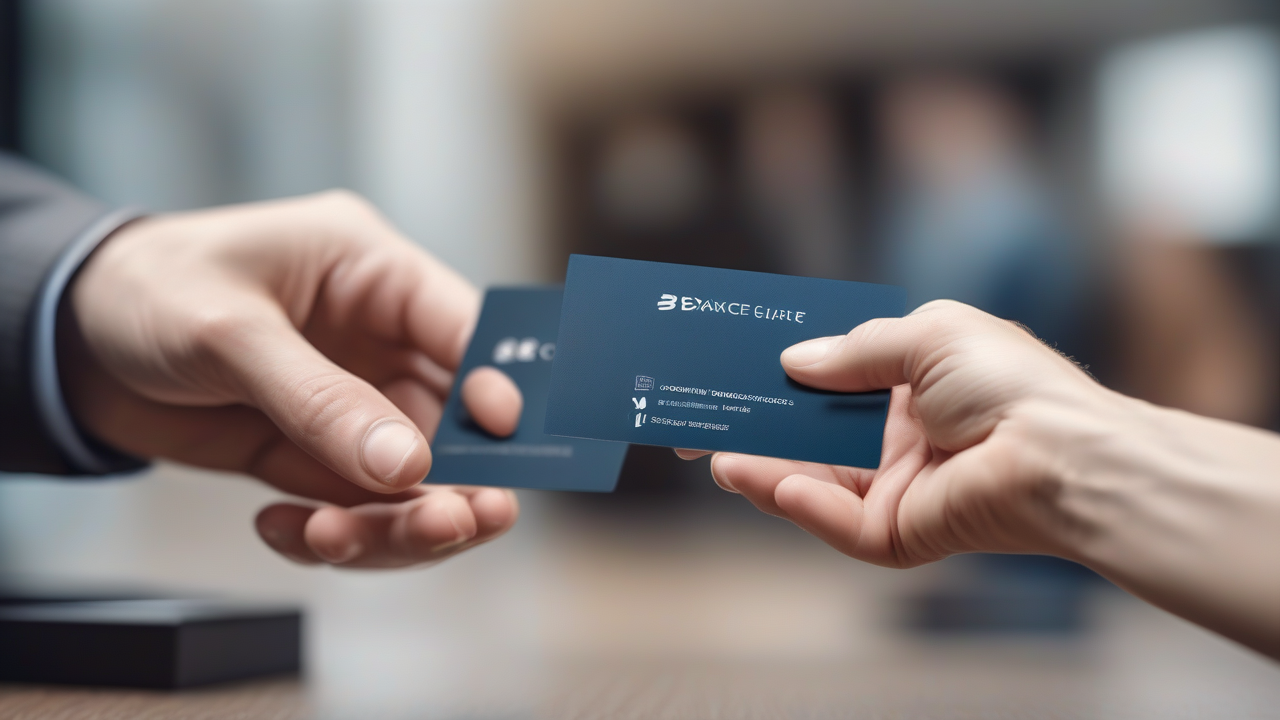
In an increasingly connected and technologically advanced world, the importance of personal contact and tangible tools has not diminished at all. The old business card, for example, remains a fundamental pillar in the promotion of its professional and working image. Always having someone at hand, ready to be distributed when necessary, is a winning strategy to leave a lasting and professional impression. Many believe that the realization of quality business cards is an expensive process, often associated with the intervention of professional graphics. However, this perception is far from current reality. Thanks to the advent of numerous online platforms, software and mobile applications, you can today draw and, in many cases, even order the printing of personalized business cards at an extremely low cost or at extremely low prices. The goal of this article is to guide you through the different options available, providing you with a detailed overview of the best tools to create business cards for sure effect, without scratching on your budget.
Free Online Business Card Solutions
The web platforms are the ideal starting point for those who want to make business cards quickly and intuitively. Many services offer free features that allow you to get professional results directly from your browser, without installing any software.
Canvas: Intuitive Design and Vast Choice
Canva stands out as one of the most popular and versatile online solutions for graphic creation, including business cards. This web-based tool is renowned for its user-friendly interface and for the wide library of models and graphic elements. Although it also offers premium content, a surprising amount of resources is available for free, allowing you to realize appealing designs at no cost.
- Registration and Access: To start, you need to register to the platform, which can be done quickly using an email address, a Google account or Facebook.
- Search and Selection Model: Once you log in, just type “visit ticket” in the search bar to access a myriad of default templates. Choosing what best suits your style and needs is the first step.
- Customization: The Canva editor allows you to change every aspect of the selected model. You can replace the placed text with your personal and professional data, change the background, add or remove graphic elements, icons and images. The drag-and-drop interface makes the customization process extremely simple.
- Download: Once the design is completed, the business card can be downloaded in various formats, such as PNG for high quality images or PDF for professional printing. The flexibility of output formats makes Canva an excellent choice for both digital and physical use.
VistaPrint: Creating and Printing at Advantageous Prices
If the need is not limited to design creation alone, but also includes physical printing of business cards, VistaPrint offers an integrated solution. This platform allows not only to customize its design starting from numerous models, but also to order its printing at competitive costs.
- Registration and Start: Also VistaPrint requires the creation of an account, possible via Google, Facebook, Apple ID or email. Once you register, you can start the creation process by typing “Tables” in the search bar.
- Choice Format and Materials: The platform offers different options for format, size and paper type, allowing a deep customization of the final product.
- Design Editor: After selecting a model, the VistaPrint editor allows you to edit the text, colors, images and other graphic elements.
- ♪ Before proceeding, it is essential to carry out a careful revision of the design. Once you have confirmed your approval, you can define the last details regarding the card and the edges, then add the product to the cart and proceed to the print order, which starts from about 14 euros for 250 tickets.
Other Online Platforms
In addition to Canva and VistaPrint, the online panorama offers different options for creating and printing business cards, each with its own peculiarities:
- Printprint: It allows you to edit default templates, although with some limits compared to other services, and proceed directly to the press through the site.
- Pixaprinting: Mainly oriented to the press, this service is ideal for those who already have a ready design and only look for a reliable partner for the physical production of tickets. It does not offer advanced editing tools.
- Print24: It allows the creation of simple and cheap business cards directly on the portal, offering the possibility to connect to external platforms for more complex design.
Programs to Create Business Cards
For those who prefer to work offline or want more creative control, there are numerous desktop programs that allow you to design professional business cards. Some of these software may already be on your computer.
Microsoft Word: Use Existing Templates
The famous Microsoft Word videowrite program, included in the Microsoft 365 package, offers an amazing range of free business card templates. Although you do not have a Microsoft 365 license, you can download and use Word for free for a 30-day trial period.
- Start and Search Models: I open Word, you can type “visit ticket” in the template search bar to view available options.
- Customization: Once you have selected the desired model, just click on “Crea” and replace the example text with your personal and professional data.
- Saving and Printing: After customization, the work can be saved in various formats via the “File” menu > “Save by name”. You can also use the online version of Word or mobile app (available for Android and iOS/iPadOS for free on devices up to 10.1 inches).
Apple Pages: The Alternative for Mac Users
For Mac users, Pages is the preinstalled videowriting program that offers similar features to Word for creating business cards. Also available online and as an iOS/iPadOS app, Pages offers various dedicated templates.
- Access to Models: Starting Pages, you select “New document” and scroll through the list of templates to the “Tables” section.
- Edit and Export: Once you choose a model, you can enter your data. The file can be saved via “File” > “Save” or exported to PDF for printing, selecting “File” > “Export as” > “PDF”.
Other Desktop Programs
For those looking for more graphic flexibility or specific tools for layout, there are other valid alternatives:
- GIMP (Windows/macOS/Linux): Considered the best free and open source alternative to Photoshop, GIMP offers advanced graphic options for creating complex business cards and supports export to PDF. It requires a steeper learning curve but offers unlimited creative freedom.
- Microsoft Publisher (Windows): Another Microsoft software, specifically designed for graphics and printable content. It is included in the Microsoft 365 package and is useful for those who want to create brochures, flyers and, of course, business cards with a more professional approach.
Directly from the Smartphone
The convenience of creating and editing business cards directly from your mobile device is unparalleled. Several applications offer complete features, allowing you to work on the move.
Canvas (Android/iOS/iPadOS): The Power of Design at Portata di Mano
Canva is not just a web service; its mobile app replicates most of the features of the desktop version, making it an excellent choice for creating business cards on smartphones and tablets. The interface is optimized for touch, making customization an intuitive process.
- Registration and Search: After downloading the app, you can register or log in and then search for “A business card” in the Home.
- Edit in the Editor: The editor allows you to touch and change any design element: text, colors, positions. You can add elements from the Canva library, images from the device gallery or previously uploaded items.
- Download and Share: Once satisfied with the result, the ticket can be downloaded in various formats or shared instantly through the integrated options of the app.
Other Apps for Visiting Tickets
If Canva does not fully meet your needs, here are some specific alternatives for mobile devices:
- Creator Visitor Tickets (Android): This app offers over 1,000 ready-to-use templates to make original business cards. It allows you to share and print your designs, but to unlock all the templates and advanced features, in-app purchases are provided.
- Business Card Maker & Creator (Android): Another valid application that offers many customizable models. It is free, but some premium graphics are accessible via in-app purchases.
- Pages (iOS/iPadOS): The mobile version of Apple’s Mac program features the same main features, allowing Apple users to create and edit business cards even on the move, using integrated templates.
Tips for an Effective Visitor Ticket
Regardless of the chosen tool for creation, some design and content principles can maximize the effectiveness of your business card:
- Clarity and Readability: Make sure the text is easily readable, using appropriate fonts and an appropriate size. Avoid too complex or too small characters.
- Essential Information: Include only the most important information: name, professional title, company name (if applicable), phone number, email address and professional social profiles website. Avoid overloading the ticket.
- Visual coerence: Design should reflect your professional identity or your brand identity. Use consistent colors and logos with your coordinated image.
- Negative space: Don't fill every corner of the ticket. Leaving blank space (negative space) helps to highlight key information and makes design cleaner and more professional.
- Quality materials (if printed): If you decide for printing, a business card of good quality or with special finishes can make a big difference in the impression you leave.
- Finishing: Check spelling, grammar and contact data several times before finalizing design or proceeding with printing. An error on a business card can compromise professionalism.
Conclusion
Creating a professional business card is no longer a privilege reserved for those who can afford expensive graphic services. The many free or low-cost solutions available online, via software or app, democratize access to essential networking tools. Whether you're a free professional, an entrepreneur or just want to leave a distinctive mark, the options presented offer you the flexibility and tools needed to make business cards of impact, capable of representing you at best in every context. Choose the tool that best suits your needs and immediately start designing your ideal business card!


