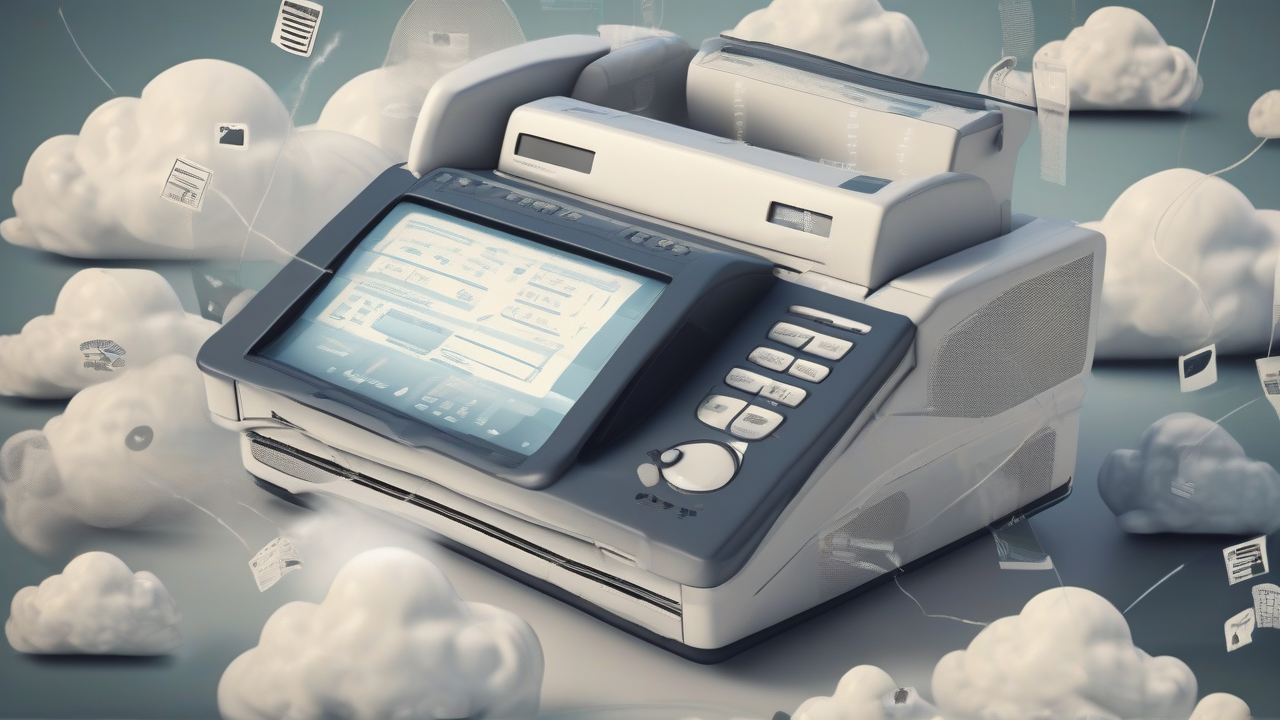
In an increasingly connected and digitized world, fax may seem like anachronism. Yet, for several reasons, from interaction with public offices to communications with companies not yet fully integrated in the digital landscape, the need to send a fax can still be presented. Fortunately, modern technology offers effective and affordable solutions that eliminate the need to own a physical fax machine, allowing you to manage these operations directly from the internet.
This innovative approach transforms a traditional process into a streamlined and accessible operation. Forget complex software installations, dedicated telephone lines or excessive costs: sending fax through web services makes use of a simple browser and internet connection, making everything possible from anywhere and with any device. Prepare to discover how to digitize the sending of your documents, transforming a simple PDF or Word file into a fax delivered in a few minutes, often at no initial cost.
The evolution of the Fax: From Physical Device to Web Service
The transition from traditional fax to online services is a significant step forward in terms of efficiency and accessibility. Instead of having to power, maintain and connect a physical device, the modern user can harness the power of the cloud for their fax needs. The operation is surprisingly simple: a digital document (such as a PDF, a Word file, a scanned image) is uploaded to a web platform. The service then takes care of converting this file into a format compatible with the fax system, transmitting it via internet to a traditional fax machine or to another online service, which receives it as a normal fax.
This methodology eliminates geographical and temporal barriers. No matter if you are in the office, at home or on the road; with an internet connection, you can send important documents at any time. The convenience of not having to install any plugin or additional software is an additional advantage, making the process intuitive even for those who are not particularly experienced in technology.
Preparation of Documents for the Online Send
Before you can proceed with sending a fax via the internet, it is essential that the documents are in digital format. This is the essential preliminary phase that ensures a smooth and smooth process.
- Paper documents: If the document you intend to send is still on paper, the first step will be its digitization. Use a scanner, the scanner app of your smartphone or a multifunction printer to create a digital copy of the document. The most common and accepted formats from online fax services include PDFs and images (such as JPG or PNG). Make sure the scan is clear, readable and good quality to avoid transmission or interpretation problems.
- Electronic documents: If your document has already been created in digital format (for example, a contract in PDF, a letter in Word, an Excel table), then it is already ready for use. No scanning will be required. It is advisable, however, to save the document in a widely supported format such as PDF, which guarantees the best fidelity of display and layout on different platforms.
Once your document is in digital and ready format, you can upload it to the chosen online fax service, completing the first and most important requirement for sending.
Important aspects to be considered before sending
While simplicity is a distinctive feature of online fax services, there are some crucial aspects to keep in mind to ensure an optimal and no surprise experience.
Service registration: Regardless of whether a service offers a free version or proof, logging an account is always a requirement. This process allows the service to identify the user, manage the sendings and, if required, charge the costs. Registration is usually free and fast, requiring an email address and creating a password.
Subscription costs and plans: Although there are options to send a limited number of faxes free of charge, most services provide for more intensive use. Many offer a free trial period (trial) or a basic plan with a limited number of sendable pages. To unlock advanced features, increase sending/receiving volume or delete any restrictions, you often need to subscribe to a monthly subscription. It is essential to carefully read the terms of these plans, including costs and deactivation modes, especially for free trials that may require credit card data.
Delivery Time: The faxes sent via the internet are generally delivered in a short time, ranging from a few minutes to a couple of hours to a maximum. This depends on network congestion, service server loading and the recipient's fax machine availability. Most services offer feedback on the status of sending, allowing you to monitor delivery.
Cover and Numbering: Many services support faxing both nationally and internationally. Some also allow you to receive a virtual fax number, useful for those who need to receive documents without a physical device. This virtual number can be associated with prefixes of different cities, offering a local presence even without a physical office on site.
Considering these points will help you choose the most suitable service to your needs and use the online fax with full awareness.
Comparison of Best Fax Services via the Internet
The panorama of online fax services is varied, with different platforms that offer solutions suitable for different needs. Here is a detailed analysis of some of the most common and reliable options, with a focus on their distinctive features and usage modes.
MyFax: Professional Efficiency and Reliability
MyFax is a robust solution, ideal for professionals and companies who need a reliable service for consistent sending and receiving volumes. It offers a free trial that allows you to test its features before engaging in a subscription.
- Test period: A month of free use. During this period, you can send a limited number of faxes per day, with a maximum roof of pages sent and received monthly.
- Costs: After the trial period, the service is available through a monthly subscription. It is crucial to disable automatic renewal before the expiry of the test to avoid unwanted charges.
- Features: The documents sent through MyFax do not present commercial writings or watermarks, ensuring a professional look. Delivery usually takes place within a few hours. A distinctive aspect of MyFax is the process of identity verification: to fully activate the account and use the service, the transmission of identification documents is required within a certain period of registration.
- Sending process: After registration (which includes entering your credit card data for free trial) and activation of your account through identity verification, you access the platform. Here, through a simple interface, you select the desired country and city for a virtual fax number (if necessary), you upload the documents, you specify the recipient's phone number and the sender's data, and then proceed with the sending. Subscription management and possible deactivation are accessible through the settings of your user profile.
HelloFax: Simplicity and Integration with Existing Accounts
HelloFax is appreciated for its intuitive interface and ease of integration with popular service accounts, making it an excellent choice for those seeking convenience and speed.
- Free plan: HelloFax offers a free base plan that allows you to send a limited number of pages. It is a good option for those who have occasional needs or want to test the service without obligation.
- Costs: To exceed the limits of the free plan and access all features, you must subscribe a monthly subscription.
- Features: The service is distinguished by the absence of advertisements on faxes sent and for fast delivery times, generally within a couple of hours. One of its most useful features is the possibility to add digital signatures to documents directly on the platform, further simplifying bureaucratic processes.
- Sending process: Creating an account on HelloFax is extremely flexible, being able to take place via an email address, or by directly integrating a Google or Dropbox account. After confirming the account by email, you access the portal, click on the fax sending function, upload the documents and specify the details of the signatories (if necessary). Finally, you enter the fax number or email address of the recipient and proceed with the sending.
FaxApp: Flexibility and Free Engagement Test
FaxApp stands out for its free trial policy, which allows you to explore the service without immediately requiring credit card data, offering access without initial barriers.
- Test period: Ten days of free trial, enough time to evaluate the functionality of the service without any initial financial commitment. This is a significant advantage for users wishing to test the platform in depth before deciding.
- Costs: At the end of the test, to continue using FaxApp, you must subscribe a monthly subscription, which includes a number of sendable pages and unlimited file reception.
- Features: One point to note is that FaxApp applies commercial writings on sent documents (typically at the end). The delivery times are efficient, generally within one or two hours. The service also offers the possibility to choose a teleselective prefix for your virtual fax number, a useful detail for those who have specific numbering needs.
- Sending process: To activate the free trial, you fill out a form on the site by providing an email address, username, password and the desired prefix for the virtual fax number. After checking the email, you access the account. From here, simply select the option to send a fax, upload the desired document, enter the recipient number and confirm the sending.
Advantages of Using an Online Fax Service
The adoption of a fax solution via the internet offers a number of benefits that go far beyond the simple elimination of physical hardware:
- Accessibility and flexibility: The ability to send and receive faxes from any device connected to the internet (computer, tablet, smartphone) and from anywhere offers unprecedented operational freedom. You are no longer bound to the office or availability of a fax machine.
- Economic savings: Eliminating the fax machine means cutting costs related to the purchase of the device, paper, toner, maintenance and, in many cases, the dedicated telephone line. Many services offer convenient plans, especially for moderate volumes.
- Efficiency and Rapidity: The sending process is usually much faster than the traditional method, thanks to the user-friendly interface and digital transmission. Sending confirmation and traceability improve efficiency.
- Simplified storage: Faxes sent and received digitally can be easily stored, organized and consulted at any time, reducing the need for bulky paper archives and improving document management.
- Environmental impact Reduced: Using online fax helps reduce paper and ink consumption, supporting more sustainable and environmentally friendly practices.
- Security and Privacy: Many professional services offer advanced security features to protect document transmission, crucial aspect for sensitive data.
Tips for Choosing the Ideal Service
With many options available, choosing the most suitable online fax service for your needs may seem complex. Here are some tips to guide:
- Evaluate the Usage Volume: If you send or receive faxes only occasionally, a service with a limited free plan or a trial without obligation could be enough. For frequent or professional use, a paid subscription with a high number of pages included will be more convenient.
- Consider Additional Features: Do you need to integrate the service with other applications (such as Google Drive or Dropbox)? Need options for digital signatures? Is the possibility to choose a virtual fax number with a specific prefix important? Compare the features offered by different providers.
- Attention to the Hidden Costs: Always read the terms and conditions carefully. Check if there are costs for sending extra pages, for receiving, or if free trial requires credit card data with automatic renewal.
- Check the Simplicity of Use: An intuitive interface and a clear sending process can make a difference, especially if you are not experts in technology. Take advantage of trial periods to familiarize yourself with the platform.
- Customer Support: Good customer support is essential in case of problems or questions. Check the contact options and reputation of the provider's customer service.
Conclusions
Internet faxing is the perfect demonstration of how technology can modernize even the most traditional methods of communication. Thanks to dedicated web services, the old fax machine has been effectively replaced by digital solutions that offer unparalleled convenience, efficiency and accessibility. Whether fulfilling bureaucratic deadlines or communicating with less digitised reality, the online fax option is a reliable bridge between past and present.
Choosing the right service depends on your specific needs, but the wide range of available options ensures that there is a suitable solution for each. Wipe the convenience of the digital fax and get rid of the encumbrance and limitations of the past.


