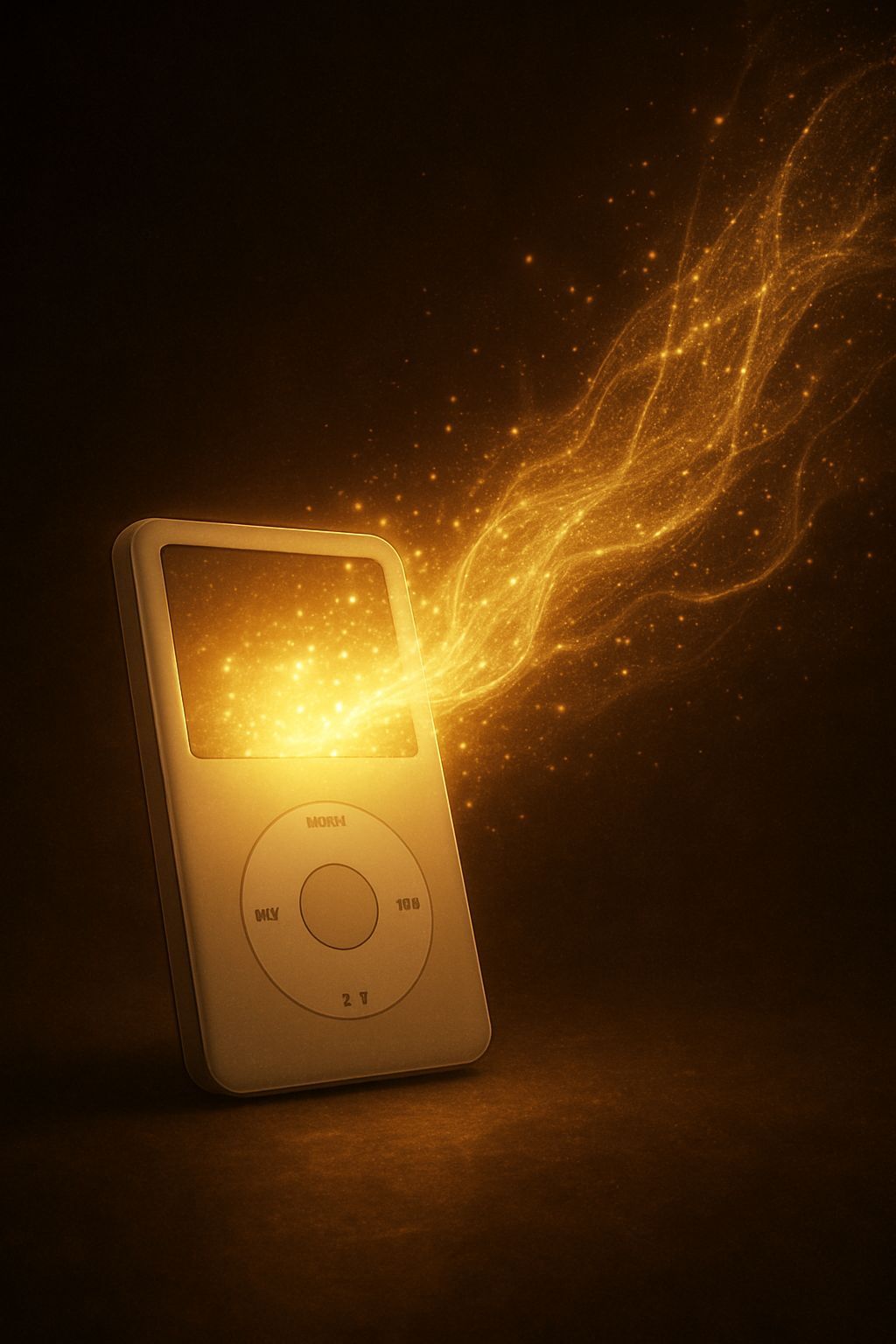
There was a time when music, before being omnipresent and fluid like water from digital taps of streaming services, resided in physical collections of CDs, cassettes or, for the most adventurous, on MP3 files scattered on hard disks of computers. Then, suddenly, a small white rectangular object, with a touch-sensitive wheel and a monochromatic screen, changed everything: theApple iPod. Introduced in 2001, the iPod was not simply another MP3 player; it was a cultural revolution, an extension of personality and a personal portal to an entire musical universe, comfortably placed in the pocket. It democratized access to thousands of songs, making obsolete the concept of “album” in favor of the custom playlist and the endless shuffle. This device has shaped not only the way we listened to music, but also the entire technological panorama and the design of the products that would follow. It was the epicenter of an ecosystem that combined elegant hardware, intuitive software (iTunes) and an innovative business model (iTunes Store), creating an unprecedented user experience that fascinated millions of people around the world. Many still have a jealously guarded iPod, a hemisphere that evokes memories of carefully created playlists, long car trips or simple walks with the perfect soundtrack. Its influence is undeniable and its history is rich in innovations and challenges, from the management of the music library to the connection with the car radio, passing through the choice of the most suitable model and techniques to keep it working over time. This article aims to explore the world of iPod, from its original impact to practical management challenges and its long-lasting legacy in the digital landscape, offering a complete guide for anyone who wants to rediscover or fully understand this iconic piece of technology.
The Golden Age of the iPod: A Tax Revolutionary that Defined a Digital Epoch
When Steve Jobs presented the iPod in October 2001, describing it with the iconic phrase: “1,000 songs in your pocket.” This promise, at the time, seemed almost science fiction. Existing MP3 players were often awkward, with complicated user interfaces and limited storage capacity. The iPod, on the contrary, was a masterpiece of minimalist design, with its unmistakable white color, the elegant stainless steel shell on the back and, above all, the revolutionary Click Wheel. This wheel, initially mechanical and then completely solid, transformed the navigation between thousands of pieces from a frustrating enterprise to a smooth and almost tactile experience, a natural extension of the user’s hand. Its success was not immediate, but it grew exponentially, powered by a brilliant marketing strategy, flawless aesthetics and seamless integration with iTunes software, which became the key heart of the Apple ecosystem for digital music management. The iPod not only dictated new standards for portable devices, but also forced the music industry, initially reluctant, to embrace digital, giving rise to an epochal transformation that redefined the consumption of music globally. It opened its way to the iTunes Store, the first successful digital music store, which offered single pieces at 99 cents, a bold move that destroyed the album-based sales model. With every new iteration, from iPod Mini to iPod Nano, from Shuffle to Classic with its huge storage capacity, to iPod Touch that anticipated the iPhone, Apple continued to innovate, keeping its music player at the centre of media attention and in the heart of consumers, consolidating its position as a symbol of status and belonging to a rapidly evolving digital age. He created a culture of accessories, from docking stations to portable speakers, which amplified the experience, and transformed daily commuting into an opportunity for a private concert, bringing the entire musical collection of a person wherever he went, freeing it from physical constraints and projecting it into a future of unlimited portability.
Navigate to the Sea of Digital Music: Manage Collections with iTunes and Beyond
In the center of the iPod experience, since the first days, there was iTunes. This software, initially conceived as a simple reader and music manager for Mac, quickly evolved into a complete multimedia suite, indispensable for anyone who owned an iPod. Its main function was to synchronize music from the computer to the device, a process that, although revolutionary for the time, could sometimes be malicious or restrictive for users less advantageous to the Apple world or accustomed to a more “open” management of the files. iTunes allowed to import CDs, buy songs from the iTunes Store, create custom playlists and manage podcasts, videos and even audiobooks. Its architecture was based on the idea that the computer was the central hub of its multimedia library, and the iPod is a portable extension. The synchronization process ensured that the library on the device mirrored the one on the computer, but also meant that transferring music from an iPod to a PC (or vice versa without the original library) was not always an intuitive operation, due to the protection measures of contents and design “one way” of synchronization. This philosophy, designed to prevent piracy and maintain the integrity of the ecosystem, often created frustration among users who wanted greater freedom to manage their collections, maybe after a crash of the hard drive or buying a new computer. Playlist management, in particular, was a key feature of iTunes: users could meticulously edit their own musical selections, organize them by genre, mood or occasion, and then transfer them to the iPod with a simple click. This deep customization ability, combined with the Genius algorithm that suggested similar songs, made iTunes not only a manager, but a real personal music curator. Despite its complexity and criticism, iTunes was a key pillar of the iPod era, a software that defined the standards for digital music management and which laid the foundations for current streaming services, demonstrating the power of an integrated hardware-software ecosystem, although sometimes at the expense of the total flexibility some users would want.
Alternative and Third Party Software Methods: Music Freedom Without iTunes Chains
Despite the power and integration of iTunes, many users have always sought ways to bypass its restrictions, especially for operations such as copy music from iPod to PC or put music on iPod without iTunes. The reasons were multiple: the need to recover a music library from an iPod after computer failure, the will to share music with friends without going through iTunes, or simply the desire for greater flexibility in managing their files. The architecture of iPod and iTunes was intentionally designed to prevent easy transfer of music from iPod to computer, a measure of protection against piracy. This gave rise to a thriving market programs for iPod of third parties, designed to offer features that iTunes did not provide or made it difficult. Software as ♪, iExplorer, ♪ or MediaMonkey (the latter plus a general multimedia manager who could synchronize with iPods) have become popular. These tools allowed users to access the hidden iPod file system, copy songs and playlists directly to the computer, edit metadata, and even manage videos and photos. Some of them offered user interfaces similar to iTunes but with more granular control, allowing, for example, to drag and drop music files directly on the device without having to go through the complete synchronization process. This flexibility was particularly appreciated by those who had multiple musical libraries on different computers or who wanted to maintain a backup copy of their collection on the iPod itself. However, using third-party software was not risk-free. Compatibility issues with iTunes updates or iPod firmware could make these programs temporarily unusable, and in rare cases, improper use could lead to data corruption on the device. Despite this, for millions of users, these tools were the key to unlocking the full potential of their iPod, transforming it from a “gold cage” to a truly versatile and personal multimedia player, able to freely interact with the digital environment in which it was, overcoming Apple’s original intentions and offering a freedom that would otherwise be unreachable for most common users.
From Choice to Reset: Complete Guide to Maintenance and Optimization of Your iPod
The iPod world was surprisingly varied, and the question “which iPod buy” was common for years, witnessing the wide range of models that Apple launched. From robust iPod Classic, loved for its huge storage capacity (up to 160 GB, literally enough tens of thousands of songs) and its tactile Click Wheel, tiny and clip-on iPod Shuffle, ideal for sportsmen or for those who only wanted random music without screen. TheiPod Nano, which has seen multiple reincarnations from the color mini-screen to the multi-touch with camera, offered a compromise between portability and functionality. Finally, theiPod Touch, a “phoneless” version of the iPhone, introduced the App Store, Wi-Fi and a multi-touch interface, expanding the capabilities of the music player well beyond the simple audio playback, turning it into a real multimedia and gaming device. The choice depended on individual needs: storage capacity, budget, desire for advanced features such as video or app, and of course, shape factor. Beyond the initial choice, maintenance was crucial. Understanding how to turn off iPod correctly it was essential to preserve the battery: a prolonged pressure of the Play/Pause key on the Classic or the top key on the other models was the norm, but often the iPod simply entered deep standby, consuming very little energy. However, the true art of maintenance resided in knowledge how to reset iPod. There were different types of resets. The “soft reset” was the equivalent of a forced computer restart, which is useful for solving temporary blocks or malfunctions. For the Classic, the Menu and Select buttons (the center of the Click Wheel) were pressed for a few seconds; for the Nano or Shuffle, specific key combinations were followed. Then there was the “hard reset” or reset to factory settings, which erased all data and reinstalled the iPod software, a drastic option for persistent problems or before selling the device. This process was usually done via iTunes, connecting the iPod to the computer and selecting the “Restore” option from the device management screen. Understanding when and how to apply these different reset levels was essential to maintain iPod in perfect efficiency, ensuring years of musical pleasure and solving most common problems without the need for technical assistance, a sign of robust engineering and attention to details that Apple also put in its music readers.
The Movement iPod: Integration with the Autoradio and Other Portal Solutions
Listening to your favorite music while traveling has always been a desirable experience, and the iPod has revolutionized the way this was possible by car, giving rise to numerous solutions for listening to the iPod in the car with the car radio. Before the advent of integrated multimedia systems that we find in almost every modern vehicle, connecting an MP3 player to the car radio could be an enterprise. The iPod, thanks to its popularity and wide availability of accessories, has made this process much more accessible. The simplest and most universal solution was the use of auxiliary cable (AUX). Many cars, even the most dated ones, had a 3.5 mm AUX input, allowing you to connect the iPod headphone output directly to the car radio. This solution was simple, relatively economical and offered decent audio quality, although it required manual control of music directly from the iPod and did not recharge the device. A common alternative, especially for cars without AUX entrance, were the fM transmitters. These devices connected to the iPod and transmitted the audio signal on a free FM radio frequency, which could then be tuned to the autoradio. Although comfortable, FM transmitters often suffer from interference and lower audio quality, especially in congested urban areas. Over time, car manufacturers and aftermarket accessories have started offering more integrated solutions. Many cars have begun to include dedicated USB ports for iPod or specific 30 pin connectors (and then Lightning) that not only allowed high quality digital audio transfer, but also the charging of the device and, fundamentally, the control of playback directly from the controls of the autoradio or the steering wheel, displaying the information on the tracks on the screen of the car. There were also car-specific docking stations, which kept the iPod in place and provided all these features. For the latest iPods (such as iPod Touch) or modern car radio with Bluetooth, the bluetooth connection became the norm, completely eliminating the need for cables. Each solution had its pros and cons, but all aimed at a single goal: to make its own personal music library an inseparable companion even while driving, transforming each trip into an opportunity to enjoy its own music, making the iPod a real portable and flexible entertainment center, able to adapt to different contexts of use, from solo journey to sharing with passengers, in a time when the digital multitasking was still exploring.
The legacy of iPod and Transition to the Era of Streaming and Smartphones
THEApple iPod, despite its glorious past and the enormous cultural impact, saw its sunset as a standalone device with the advent and the powerful rise of smartphone, especially the iPhone, which absorbed and surpassed many of its features. With the introduction of the iPhone in 2007, Apple actually cannibalized its very most successful product, offering a device that not only played music, but also allowed to call, navigate the internet, take photos and use thousands of applications. iPod Touch tried to keep up, but the convenience of having a single multi-function device proved irresistible for consumers. In parallel, the music industry has undergone another radical transformation: the transition from the ownership of music files to the streaming on-demand. Services such as Spotify, Apple Music, Deezer and Tidal have eliminated the need to physically or digitally own each single track, offering access to dirt libraries with a monthly subscription. This made it less relevant to the storage capacity of a device and the complexity of the management of local music libraries, effectively canceling one of the main strengths of the iPod Classic. The latest iPod Classic was released in 2014, followed by Shuffle and Nano in 2017, leaving iPod Touch as the only survivor until 2022, when the latter was withdrawn from the market, marking the end of an era. Despite its absence from the market of new devices, the legacy of the iPod is deep and lasting. It has established new standards of industrial design, user interface and software-hardware integration that continue to influence the entire technological industry. He educated a generation to mass digital listening and demonstrated the value of a well-designed ecosystem. For many, the iPod remains a symbol of nostalgia, a cult object that evokes memories of youth and of a time when music was still a more intimate and personally cared for. Although smartphones and streaming now dominate the landscape, the iPod has left an indelible mark, demonstrating that a well-designed device can not only satisfy a need, but also create an entire culture around it, shaping the future of media consumption and defining a digital age that we continue to live and evolve, but with an undeniable debt to that small white rectangle that has put “1,000 songs in pocket”.


