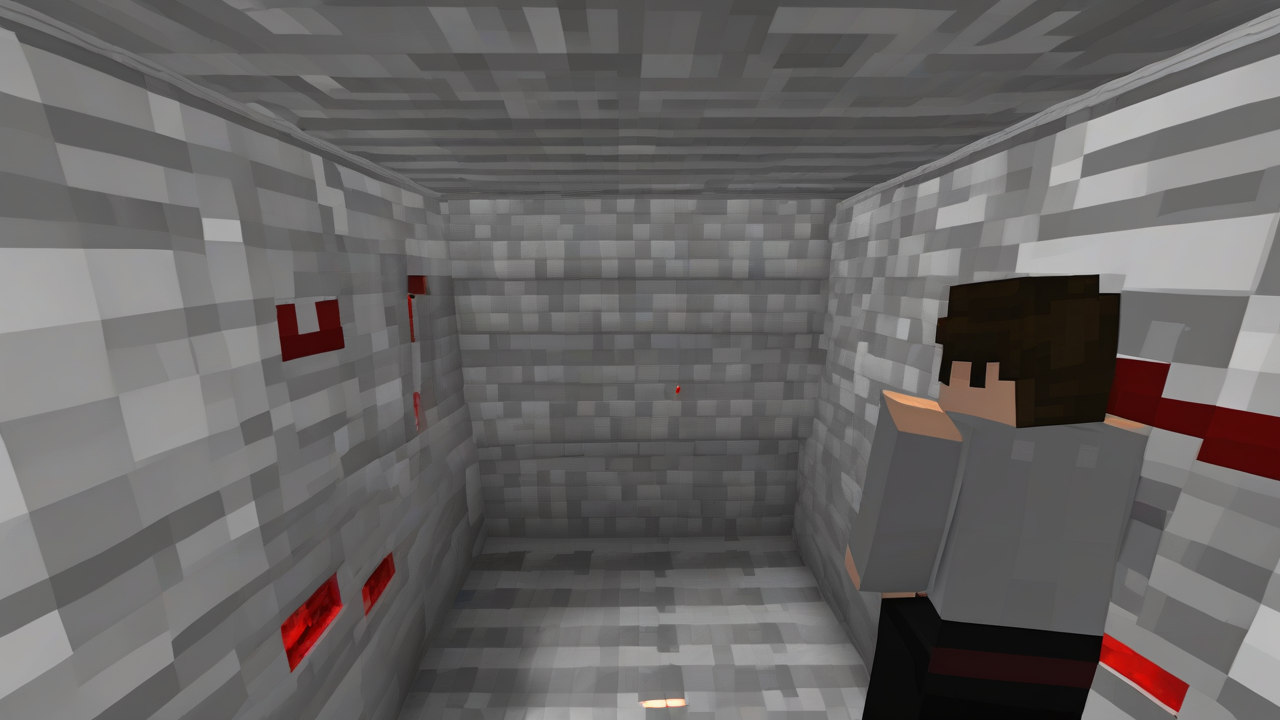
Minecraft, with its block aesthetics and its infinite creative possibilities, is universally recognized as a relaxing and often idyllic gaming experience. However, the vast and ingenious community of players has always sought ways to push the boundaries of the title Mojang, introducing unexpected elements and, sometimes, decidedly disturbing. Among these, there is a category of content that aims to transform the peaceful world into a arena for thrills and mysteries: the horror mods.
If the idea of meeting scary creatures and solving complex puzzles between pixels fascinates you, then you are in the right place. This article will explore in detail one of the most famous and appreciated changes in this area: the SCP mod, also known as SCP: Lockdown. We will guide you through every step, from understanding its origins to installation and practical use, both for the Java edition and for the Bedrock of Minecraft, preparing you for a gaming experience like no other.
The Origins of Terror: What is the SCP Foundation and Mod on Minecraft?
Before we dive into technical procedures, it is essential to understand the genesis of this fascinating and terrifying mod. SCP stands for “Special Containment Procedures” (Special Containment Procedures) and is the core of an online collaborative writing project, born as a creepypasta, or a fictional horror story on the web. Users from all over the world have contributed to creating a rich and complex narrative universe, focusing on a secret organization SCP Foundation, deduced to capture, containment and study of abnormalities, entities and paranormal artefacts that threaten reality.
This phenomenon of digital culture has created numerous spin-offs, including successful video games such as “SCP: Containment Breach”, which have further fueled the popularity of these creatures. The Minecraft mod fits perfectly in this context, drawing directly from that vast archive of horrors. It introduces into the game fearful adventures that test the courage of the player with puzzles to solve and, of course, encounters with famous SCP creatures. It quickly became one of the most discussed phenomena of the Minecraft community, alongside legends like Herobrine for its ability to generate fear and suspense.
Also known as SCP: Lockdown or simply Lockdown Mod, this amateur creation, but extraordinarily well realized, is totally free. It brings a breath of freshness – or perhaps we should say of terror – in the traditional gameplay of Minecraft, offering players the opportunity to explore unpublished scenarios and face challenges that go far beyond the simple survival against zombies and skeletons.
Terror preparation: Install Mod SCP on Minecraft Java Edition
The Java edition of Minecraft was the cradle for many of the most innovative and complex mods, and SCP: Lockdown is no exception. Currently, the mod is fully compatible with the version 1.12.2 of Minecraft Java Edition, although updates and ports are planned for future versions of the game. To ensure smooth installation, it is essential to follow the steps carefully.
The Prerequisite Fundamental: Install Minecraft Forge
Before you can add any significant mod to Minecraft Java Edition, it is almost always necessary to install a specific “loader” that allows the game to read and load add-ons. In the case of SCP, this loader is Minecraft Forge. Without it, the mod cannot be started correctly.
- To start, connect to minecraft Forge official website.
- In the left sidebar of the site, search and click the version of Minecraft for which you are installing the mod, which in our case is the 1.12.2. Make sure you select exactly this version to avoid incompatibility.
- Once you select the correct version, locate and press the button “Installer” to download the installation file of Forge, which will be in format
.jar. - After downloading, open the folder where the file was saved (usually the “Download” folder of your system) and double-click the file
.jarby Forge. - An installation window will open. Make sure the option “Install Client” both selected and prizes on “OK” to start the installation. The process will take a few moments.
- Once the installation is completed, Forge will be ready to manage your mods.
Download Mod SCP: Lockdown
Now that Forge is installed, we can proceed with downloading the real mod:
- Access the reference website for Minecraft mods, CurseForge. Search specifically “SCP: Lockdown” or “Lockdown Mod” if necessary.
- Once on the mod SCP: Lockdown page, locate the button “Download”, usually located in the upper right corner.
- Clicking on “Download”, you will be presented with options. Select carefully the game version (1.12.2) and the loader (Forge) from the appropriate drop-down menus.
- Finally, press the button “Download file” to download the mod file, also in format
.jar. This file will be found in the “Download” folder of your PC.
Integrate Mod into Game
The mod file is now on your computer, but to be recognized by Minecraft, it must be placed in the correct directory:
- You need to locate the main Minecraft Java Edition folder on your operating system.
- Come on Windows, the typical route is
C:Users[NomeUtente]AppDataRoaming.minecraft. To quickly access the AppData folder, you can type%appdata%in the Windows search bar and press Enter. - Come on macOS, the route is
~/Library/Application Support/minecraft/. - Once in the folder
.minecraft, look for a subfolder called “mods”. If this folder does not exist, create it manually. - Copy the file
.jarof SCP: Lockdown (for example,SCP Lockdown-[versione]-release.jar) from your “Download” folder and paste it into the newly identified or created “mods” folder.
With these steps, the mod has been correctly installed and Minecraft is ready to welcome the creatures and adventures of the SCP Foundation.
Start and Play with Mod SCP: Lockdown
Time to start the game and start your adventure in the world of SCPs:
- Open the door Minecraft Launcher.
- Before pressing the “Play” button, make sure you select the profile “Forge” from the drop-down menu that is next to the button itself. This is crucial to start the game with uploaded mods.
- Start Minecraft Java Edition by clicking on “Play”.
- Once in the game, we recommend you create a new game session in creative mode, at least to familiarize with the mod and its features. If you do not know how to do, creating a world in Creative is a standard Minecraft process.
- Launch the session, press the button “AND” on the keyboard to open the inventory of the game.
- In the inventory, look for the icon of a arrow to the right (usually up) and then select the icon of a sheet. Here you will find all the adventures and objects introduced by SCP: Lockdown.
Browse SCP Adventures
The adventures proposed by the mod are categorized according to the levels of “dangerousness” established by the SCP Foundation:
- Safe: These adventures are considered the most “easy” or less immediate in presenting dangers. Ideal to start exploring.
- Euclid: Includes more unpredictable enemies and medium difficulty challenges. It requires greater attention and strategy.
- Keter: It represents the most “dangerous” and complex adventures, with significant threats and high tactical requirements.
To start an adventure, take a “document” (for example, “Panacea 500”) from the inventory and place it on a free block of land. In some cases, you may notice that the structure generated by the adventure is located with a few blocks away from the ground; in this case, you will need to build support blocks to reach it.
Once the structure is placed, look for a red button close to the entrance door and press it to begin your immersion into SCP terror. Remember to be always prepared!
Evoking SCP Creations
Another exciting feature of the mod is the ability to directly evoke fearful SCP creatures in your world. From the mod inventory (sheet section), you can select various “evoking eggs”. For example, you can take the object “Uovo di Shy Guy (096)” and place it on the ground to make this mysterious and fearsome entity appear. This function is perfect for testing your fighting skills or creating custom terror scenarios.
Counting on Minecraft Bedrock Edition: Add-on and Mondi SCP
If you are a Minecraft Bedrock Edition player, you may ask yourself how to access SCP content. It is important to know that the mod SCP: Lockdown, in its original and complex form as described for the Java edition, it is not directly installable on the Bedrock Edition. However, the community has developed valid alternatives in the form of add-on and custom game worlds available in the official Marketplace.
Find and Install SCP Content on Bedrock
The process to add SCP elements to your Bedrock experience is different but equally intuitive:
- Launch Minecraft Bedrock Edition on your platform (PC, console, mobile).
- From the main screen, click the button “Marketplace”. This is the official store where you can buy or download additional content.
- Once in the Marketplace, use the search bar top and type the term “scp”.
- Initially, you may see many skin or texture packages. To hone your search and find add-ons or game worlds, click the icon of thefunnel (filter), usually placed at the top.
- From the “Package Types” menu, select the option “Add-on” or “Mondi”.
- The Add-on are additional components that you can integrate into your existing gaming sessions by introducing creatures, objects or mechanics.
- I Mondi are custom maps and predefined, often with SCP themed scenarios already built and ready to be explored.
- Examine the filtered results. Some of these add-ons may be free, while others may require purchase via Minecoin, the Minecraft game currency.
- Once you find the add-on or the world of your interest, follow the instructions of the Marketplace to download and install it. Generally, the game will automatically take care of integration.
Although experience may not be identical to the original Java mod, these add-ons and worlds offer a great way to bring the charm and terror of SCPs even on Minecraft Bedrock, ensuring hours of adrenaline play.
Conclusions and Warnings: Immerse yourself in the SCP World
Whether you're a Minecraft Java Edition veteran or a Bedrock Marketplace explorer, the SCP world offers a completely new and terrifying dimension to your favorite game. From the complex adventures of SCP mod: Lockdown to practical add-on, opportunities to meet bizarre creatures and face paranormal puzzles are at hand.
Remember that, given the horror nature of these content, the experience may not be suitable for all players, especially younger ones. Get ready to jump on the chair, at moments of tension and a deep immersion in a universe of mystery and fear.
Now that you have all the necessary information, you just have to arm yourself with courage, follow the steps indicated and prepare yourself for an unforgettable adventure. Have fun... and pay attention to what is hidden in the shadows!


