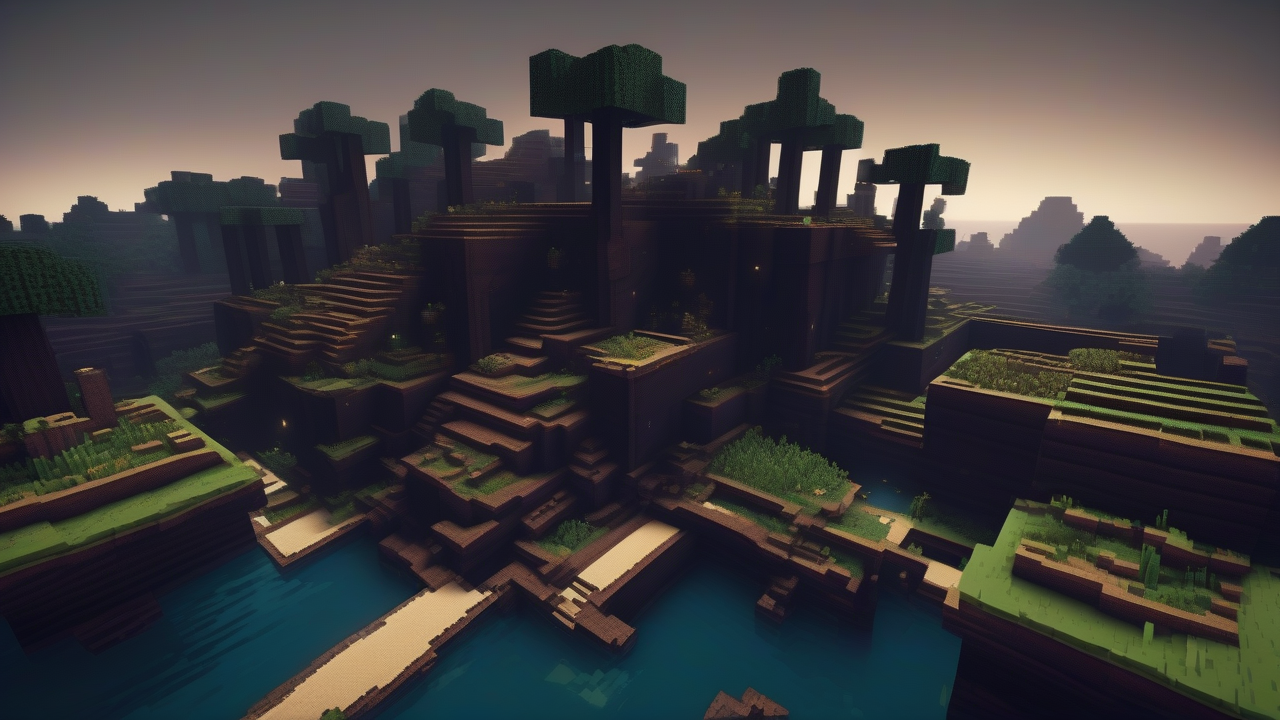
The Minecraft universe, with its boundless variety of biomes, offers explorers new and exciting adventures. Among the most enigmatic and fascinating places is the Deep Dark, an underground biome characterized by an almost absolute darkness and a dark atmosphere, but incredibly intriguing. It is not a simple task to identify it, but its depths conceal the majestic Ancient Cities, treasure chests and unexplored secrets. This detailed guide is designed to provide you with all the information and suggestions necessary to venture successfully into this unknown region of Minecraft, whether you prefer meticulous exploration or use of advanced tools.
To the Discovery of Deep Dark: Features and Generation
The Deep Dark, also known as Dark Depth, is an exclusive subsoil biome, located in the remote depths of the Overworld. Its generation is linked to specific environmental conditions. Typically, it is formed in superficial areas characterized by a low level of erosion, making it particularly common under imposing mountains, rocky peaks, frozen peaks and snowy slopes. Although less frequent, it can also appear under some types of woods and grasslands. It is essential to know that the Deep Dark will never grow under water mirrors such as oceans and rivers, nor in biomes such as marshes or deserts, which greatly restricts the initial research area.
Once a superficial region has been identified with the geographical characteristics described, underground exploration can begin. The Deep Dark nests at significant depth levels, generally around the Y-51 height. A clear indicator of its proximity is the appearance of the Sculk blocks, which begin to form vast spots on the walls and on the ground of the caves as you approach the bioma. These blocks not only signal the presence of the Deep Dark, but are also an integral part of its ecology and its pitfalls.
The most distinctive element of Deep Dark is its almost total absence of light. Natural lighting is extremely poor, limited only to the weak glow of some Sculk blocks and lava, if present. To best deal with exploration, it is essential to equip yourself with a abundant supply of torches or other light sources. These will not only allow you to orient yourself in the dark pesto, but will also be useful to mark the paths already explored, avoiding losing yourself in an underground labyrinth.
Pericles and Rewards of Deep Dark
Unlike many other underground biomes, the Deep Dark is remarkable for the absence of common mobs. However, this apparent tranquility conceals a much more serious threat: Warden. This creature, extremely strong and aggressive, is evoked when a Sculk Urlator (Sculk Shrieker) is activated enough times by the surrounding vibrations. The Warden is a formidable opponent, capable of breaking down even well-equipped players with few hits.
To safely navigate the Deep Dark and minimize the risk of summoning Warden, it is crucial to move with extreme caution. The wool blocks are your best allies in this context: walking on the wool, positioning it before jumping or using it to cover the Sculk Urlators absorb vibrations, significantly reducing the likelihood of recalling this fearsome sentinel. Discretion and planning are key to surviving.
Despite the dangers, Deep Dark exploration is rewarded with unique opportunities. The main reason to venture here is the discovery of Antiques. These monumental structures are generated exclusively within this biome and are impressive, extending for hundreds of blocks in each direction. The Ancient Cities are dotted with treasure chests, which contain rare and valuable objects, often unavailable elsewhere. In addition to the unique treasures of the Ancient Cities, the Deep Dark is also an exceptional place for finding diamonds, given the depth to which it is located, making it an excellent destination for miners.
Deep Dark Research Methods
If manual exploration is too challenging or has not given the desired fruits, alternative methods exist to quickly identify the Deep Dark.
Find the Deep Dark with the Command Console
The use of the control console is the fastest and most efficient way to locate the Deep Dark. First, you need to make sure the commands are enabled in your Minecraft world. This can be done when creating a new world or changing the settings of an existing world.
Once the console is active, open the chat game. On PC, you usually press the ‘T’ button. In the Bedrock editions (console and mobile), it is often represented by a comic icon. The specific command to use varies slightly between versions:
- For Minecraft Java Edition, type:
/locate biome minecraft:deep_dark - For Minecraft Bedrock Edition, type:
/locate biome deep_dark
Press Enter and the game will process the request, returning the X, Y and Z coordinates of the Deep Dark biome closer to your current location. It will be essential to note these coordinates.
With the coordinates at hand, you have two options: you can choose to reach them manually, orienting with the map and the markers, or you can use the teleport command for instant access. To teleport, open the chat again and type:
/teleport <nome_giocatore> <X> <Y> <Z>
Replace <nome_giocatore> with your game username, or use @p (for the nearest player) or @s (for yourself). Next, enter the numerical coordinates you got. For example, if the coordinates are -183, 112, -319, the full command will be: /teleport @s -183 112 -319. By pressing Enter, you will be immediately transported near the Deep Dark, ready for your exploration.
Use of Online Tools: Chunkbase. Community
In addition to the game commands, there are extremely valid external tools for the location of biomes and structures, including the Deep Dark. An excellent example is the Chunkbase.com website, which offers a suite of applications to map your Minecraft world.
To start, visit Chunkbase.com. From the top menu, search and select the “Apps” option and then click on the “Biome Finder” application. To use this tool, you will need the seed (seed) of your game world. You can find it in the world settings or using the command /seed within the game console. Once recovered, enter the seed in the appropriate field on the site.
It is then essential to correctly configure the settings in the application: select the game version (Version) corresponding to your and make sure the size is set to “Overworld”. Scroll the page to the settings area under the map. Here, set “Bottom (Y-51)” under “Biome Height” and, in the next search bar, type “deep dark”, making sure you check the “Highlight biomes” box.
The map generated by Chunkbase will display all the occurrences of Deep Dark in your world with a distinctive black color. You can zoom in and browse the map to locate the most convenient locations. The coordinates of the location of the mouse pointer on the map will be shown in the lower left corner, allowing you to annotate them. Once you get the desired coordinates, you can proceed to reach them manually in the game or, for greater speed, use the teleport command as explained in the previous section.
Conclusion
Deep Dark is one of the most fascinating and rewarding challenges of Minecraft. Whether you choose to immerse yourself in its dark depths with a methodical and patient approach, taking advantage of natural generation conditions, or taking advantage of the accuracy of game controls and online tools, the adventure that awaits you is full of emotions. Always remember to prepare yourself properly: the darkness is deep, the pitfalls are real, but the treasures and discoveries that await you in the Ancient City and in the veins of diamonds are worth every effort. Good exploration and adventure in the heart of Deep Dark begins!


