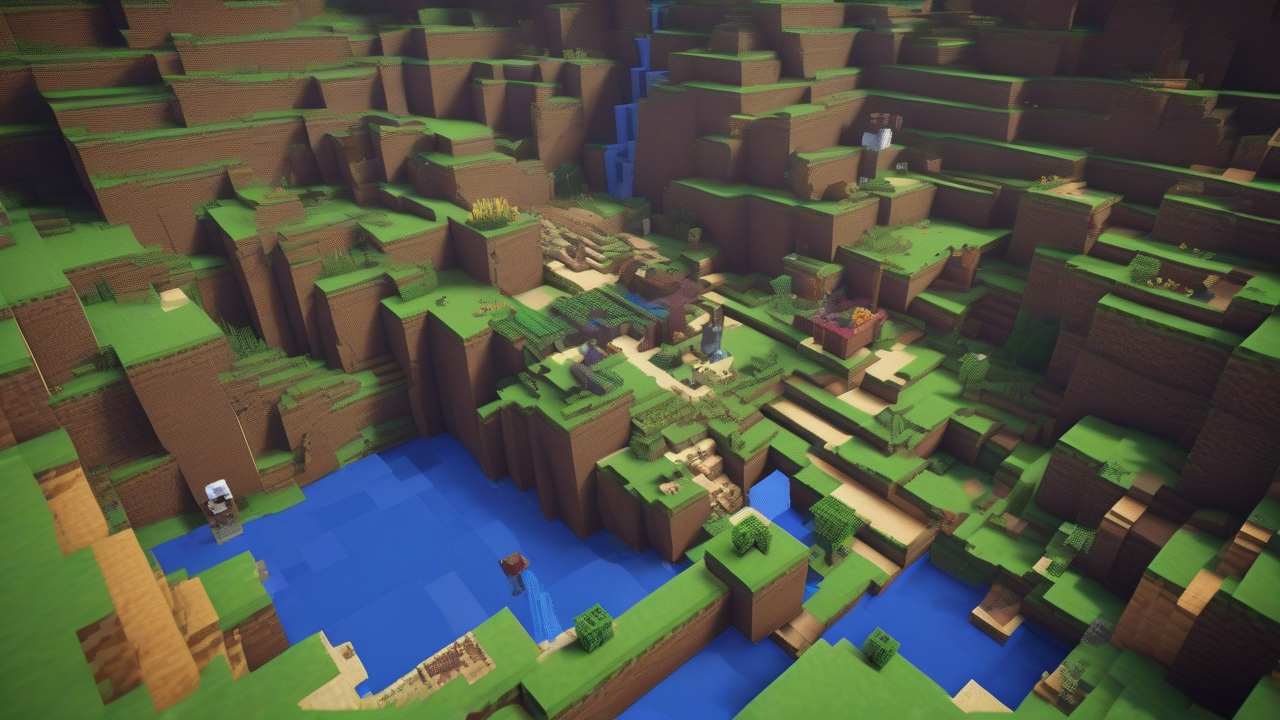
The world of Minecraft, with its creative freedom and endless possibilities of exploration, attracts millions of players. Often, the search for a faster or more personalized gaming experience leads users to question the existence of tools that can alter basic mechanics. The term “hack” is commonly used to describe these changes, but it is essential to understand the distinctions between illicit and dangerous solutions and the numerous legal and secure opportunities made available by developers or vast communities.
Understand the “Hack” in Minecraft: Risks and Reality
In the common imaginary, the term “hack” in Minecraft refers to programs or tools that allow to obtain unfair advantages, such as invisibility, unlimited flight or immortality, often through modified interfaces not foreseen by the game. Although the idea of speeding up progress or exploring the world with special powers can be tempting, it is crucial to be aware of the risks associated with these practices.
- Safety hazards: Many of these unofficial software can contain malicious code, designed to infect your computer with viruses, spyware or other types of malware. Download and run files from unverified sources exposes your system to severe vulnerabilities.
- Bann in Online Mode: The use of “hack” in online multiplayer games is strictly prohibited by most servers and Mojang gaming policy. Players surprised to use these tools risk permanent bann, losing access to servers and, in some cases, to their game account. Minecraft philosophy is based on loyalty and equity, especially in competitions or social interactions.
- Compromise of Game Experience: Beyond technical risks and sanctions, the use of unfair tricks can ruin the gaming experience, depriving it of the challenge and satisfaction resulting from legitimate progress. The real fun of Minecraft lies in the construction, exploration and survival, challenges that the “hack” would cancel.
It is for these reasons that we strongly recommend to keep away from such solutions. Fortunately, there are totally legitimate and safe methods to customize and enrich your adventure in Minecraft, such as official commands and community-created mods, which are fully supported or tolerated by developers in specific contexts.
Customize Experience: Official and Community Mod Commands
Minecraft is known for its flexibility and ability to support changes. The fundamental difference lies in distinguishing between malicious tools and changes that add value without compromising the integrity of the game or the security of the user. The two main categories of legitimate improvements are official commands (often called “trucks” in the Bedrock versions) and the ♪ created by enthusiasts.
Official Commands in the Java Version of Minecraft
The Java version of Minecraft offers an integrated command console that allows players to change aspects of the game in real time, without altering the basic files. These commands are ideal for single-player games or server administrators, providing granular control over the gaming environment.
Enable the Command Console
Before you can use the commands, you must enable them. There are two main ways:
- To the Creation of a New World: Start Minecraft Launcher, press on Play, then up Single player and Create a new world. In the options of the world, search and move on Yes the option Enable commands. This is often enabled by default in Creative mode. Complete the creation of the world and the commands will be active.
- In an Existing Partition: If you already have a world without enabled commands, you can do it temporarily. Enter the world, awards Esc to access the menu, click on Open in LAN. Select Enable commands: Yes and then Start the world in LAN. This procedure activates commands only for the current session and for players connected via LAN.
Once enabled, to use the console, press the button T on the keyboard to open the chat and type the commands preceded by a bar (/).
Useful and Popular Commands (Java Edition)
Here are some of the most versatile commands you can use:
/teleport [soggetto] [destinazione]: It allows to teleport a player (or himself) to a specific point of the map. How[soggetto]you can use the name of your character or@pfor the nearest player. How[destinazione], indicates the X, Y and Z coordinates of the desired location. For example,/teleport @p 0 64 0will take you to the center of the map at a height of 64 blocks./gamemode [modalità]: Changes the game mode. The most common are/gamemode creativeto access all resources, fly (double jump with space bar, C left to accelerate) and build freely, and/gamemode survivalto return to standard survival mode./give [soggetto] [oggetto] [quantità]: It allows you to obtain specific items directly in the inventory. You need to specify the object name with the prefixminecraft:(for example,minecraft:diamond_swordfor a diamond sword) and the desired quantity. An example:/give @p minecraft:diamond_axe 1will give you a diamond axe. The game provides suggestions as you type./effect [give/clear] [soggetto] [nome_effetto] [tempo] [amplificatore]: Allows you to apply or remove state effects. Withgive, you can apply effects such as invisibility (minecraft:invisibility), speed or force, specifying duration in seconds and an amplifier for intensity (e.g./effect give @p minecraft:invisibility 60 2for invisible for 60 seconds with amplifier 2). Withclear, you can remove all effects or a specific one./summon [nome_oggetto/creatura] [posizione]: To evoke creatures or objects. Similar to the command/give, you have to use the prefixminecraft:and the name of the creature / object (e.g.minecraft:enderman). If you do not specify a position, the evocation will be near the player. Example:/summon minecraft:sheephe'll want a sheep.
Community Mode for Minecraft Java Edition
In addition to the controls, the mods represent another powerful tool to enrich the game experience. They are additional content created by enthusiasts who can introduce new mechanics, blocks, objects, creatures, biomes or improve game graphics. Mods are generally designed for the single player, but there are also servers that support their use.
To install most mods on Java Edition, you often need a mod charger (mod loader) as Forge, one of the most popular and compatible tools with a wide variety of mods. After installing Forge for the desired Minecraft version, the mods (usually files .jar) should be placed in a specific folder within the Minecraft directory.
When you download mod, caution is mandatory. Being third-party software, it is essential to rely on reputed and secure sources to avoid malicious files. Bring them as CurseForge are widely recognized as reliable deposits to find compatible mods with different versions of Minecraft and Forge. It is always advisable to verify the compatibility of the mod with its version of Minecraft and Forge.
Best for Minecraft Bedrock Edition: Cheats and Add-on
The Bedrock edition of Minecraft, available on PC Windows 10/11, mobile devices and consoles, offers a slightly different approach to the customization of the game, while maintaining similar concepts.
Enable “Trucchi” (Comandi) in Bedrock
Also in Bedrock you can activate the commands (here called “trucks”) to change the game experience:
- During the Creation of a New World: Start the game, press Play, then Create new > Create new world. In the tab Tricks (on the left side), move the switch of the option Tricks up ♪. Next, press CREA to start the game with the tricks activated.
- In an Existing Partition: From the main menu, press Play and then on the pencil icon next to the world of your interest. Browse settings until you find the section Tricks and move on ♪ the option Activate the tricks. You may be required to confirm by pressing a button Allow. Finally, prizes Play to enter the world.
Once enabled, the tricks can be inserted by opening the console, which on mobile devices is accessible through the comic icon at the top. The command syntax in Bedrock can present small differences compared to Java (for example, some prefixes or parameters may be omitted), but the game itself provides useful tips while typing, making use intuitive. For example, for invisibility, you could use /effect @p invisibility.
Add-on and Marketplace for Minecraft Bedrock Edition
With regard to the additional creations of third parties, the Bedrock edition mainly relies on the Marketplace integrated into the game. This is an official digital store where you can find a wide range of content, both free and paid, such as skin packs, texture packs, custom worlds and real add-ons that modify or expand the gameplay.
The use of the Marketplace offers a secure and curated environment for obtaining additional content, since all elements are verified and approved by Mojang. For this reason, unlike the Java Edition where external mods are common, it is strongly advised not to download edit files from external websites for Bedrock, as they may not be compatible, unstable or, worse, contain malicious software.
Conclusion
Minecraft offers a universe of opportunities to customize and enrich your adventure. Whether using official commands for a more flexible gaming experience in a single player or exploring the infinite creations of the community through mod and add-on, it is essential to always choose safe and legitimate paths. Avoiding the dangerous and often illicit “hack”, not only protects your system, but also helps maintain the integrity and joy of one of the world’s largest and most creative gaming communities.


