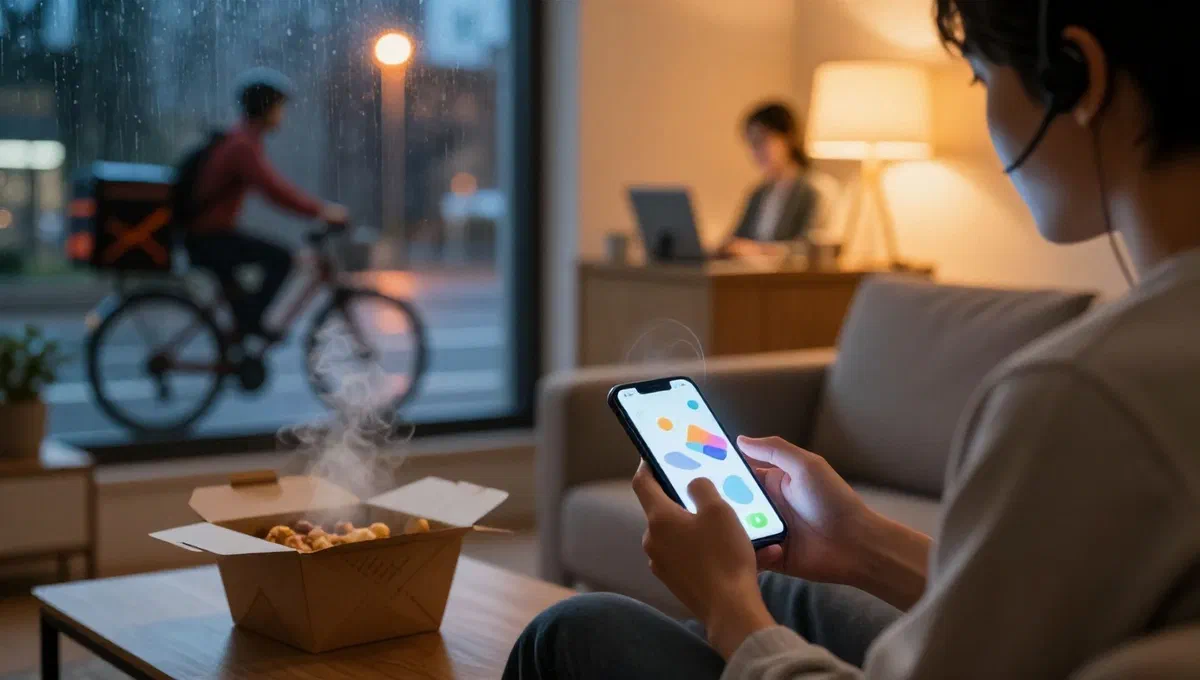
In the digital age, home food delivery services have become a pillar of our daily habits, offering comfort and a wide culinary choice at hand. however, even with the most advanced technologies, inconveniences may occur: an undelivered order, an error in preparation, or technical problems that prevent the use of the platform. when faced with these situations, knowing how to interact effectively with customer service becomes crucial for a quick and satisfying resolution.
This article has been conceived as an exhaustive guide to orient itself among the various support channels offered by the main food delivery services. whether you are a final user with a problematic order or a partner refresher looking for technical assistance, we will provide you with the information you need to communicate with the right operator and solve your situation without stress.
Before contacting customer support: essential preparation #
Before undertaking any contact attempt, a small preliminary effort can make a big difference in the speed and effectiveness of the resolution of your problem. having at hand some key information will allow you to expose the situation in a clear and concise manner, facilitating the work of the operator and accelerating the process.
- order details: the order identification number is the most important data. without it, tracking your transaction will be extremely difficult. make sure you have noted it or you can easily find it from the app or confirmation email.
- data and purchase time:* even if you do not have the order number, date and exact time of purchase can help the operator to locate the transaction.
- detailed description of the problem: be specific. don’t just say ‘my order is wrong’. explain what exactly is wrong: a missing product, a wrong ingredient, excessive delay, an invoicing error, or a specific technical problem with the application.
- screenshot or documentation: if the problem concerns a technical error on the app or a visible detail (e.g. incorrect charge in payment history), a screenshot can be very useful. for billing issues, having receipts or confirmation emails can be equally valuable.
Dedicating a few minutes to this stage of preparation will ensure a smoother support experience and reduce the need for prolonged exchanges.
Contact methods with customer support #
Modern food delivery platforms offer a plurality of channels to get in touch with their support team, each with its own advantages and ideal usage scenarios. we explore the most common:
1. Support via integrated chat in the app or on the website #
The chat has become one of the most appreciated methods for its immediateness and the possibility to receive assistance in real time without having to make a call. it is particularly useful to solve problems related to current orders or to receive quick technical support.
Use via mobile app: #
If you prefer to use the mobile application of the meal delivery service, the steps are generally intuitive:
- app access: open the app on your device (android or ios/ipados) and make sure you log in to your account.
- navigation to the orders section: find the section dedicated to your orders, usually accessible via a menu below or lateral.
- selection of the specific order: identifies and selects the order for which you need assistance.
- request support:* scroll to the bottom of the order page and search for a button or option like “request assistance” or “contact support”.
- choice of problem category: several preset options will often be presented to you, such as “deleted order support” or “deleted order support”. choose the one that best describes your situation. you may need to select a more specific question between those proposals (e.g. “how can i cancel my order? ” or “my order lacks a product”).
- start chat:* once the relevant option is selected, press a button like “start a chat”.
- interaction with the operator:* wait for the confirmation message of connection with an operator. once the operator shows up, you can type your request or describe the problem in the text field. be as clear and detailed as possible.
- conclusion of chat: at the end of the conversation, look for an option for “termina chat”, often located in a menu (e.g. three dots on the top right). many services send a full copy of the chat transcript to the email address associated with your account, useful for future consultations.
Use by website: #
If you prefer to operate from computer, the process is as simple:
- access to the site: visit the home page of the food delivery service and log in to your account.
- navigation to the orders section:* search for the menu icon (often three horizontal lines) and select the item “orders” to find your delivery history.
- order selection:* click on the specific order for which you need support.
- request for assistance:* find and click on the “request assistance” button or “do you have any other questions? ”.
- start chat:* choose the most suitable option for your case and click on “start chat”.
- communication: once connected, describe your problem in the dedicated text field. some platforms also allow you to upload documents or files (by means of a graphic icon) to facilitate the management of your request.
- close and transcription: as with the app, you can close the chat and receive an email transcription.
2. Contact via online form or email address #
For less urgent requests, such as questions about invoices, past payments, general feedback or problems requiring wider documentation, contact via email or via an online contact form can be the ideal solution. this method allows you to expose the problem in an exhaustive way and attach files if necessary.
Use via online form on the app: #
Also the app often offers the possibility to fill out a contact form:
- access and orders section: login to the app and go to the orders section.
- select order and support:* select the relevant order and press “request assistance”.
- choice of email/module option: among the support options, search “send an email” or “compila contact form” and select the most suitable option for your problem.
- ** module compilation:** the module will guide you through specific fields to indicate the problem (e.g. through a drop-down menu) and a free text field (“recommend your experience”) where you can describe the situation in detail.
- send: once you have completed, press “send message” or “send” to forward your request.
Use via online form on the website: #
Similarly, the website offers a path for contact forms:
- Access to the website and login:*** login to the official website of the food delivery service and log in.
- navigation to the orders section:* click on the menu icon and go to the orders section.
- request for assistance:* select your order and click on “request for assistance”, then on “do you have any other questions? ”.
- choice email/module: choose the option that allows you to “send an email” or access the contact form.
- details and description: enter the order number (if relevant) and specify the contact reason. in the dedicated field, describe the problem in detail.
- submission:** click “submit” to forward your request.
The response times for requests via email or form are generally a little longer than the chat, often within 24-48 working hours. be sure to check your email box periodically, including the spam folder, for the answer.
3. Telephone contact with customer support #
For the most urgent questions or for those who prefer direct voice interaction, telephone support remains a fundamental method. it is ideal for complex problems requiring a more thorough dialogue or for situations requiring immediate resolution.
How to proceed with the call: #
- ** identification of the number:*** search for the phone number dedicated to customer support on the official website or service app. it is often a green number or an urban rate number. remember that each platform has its own specific number.
- ** availability hours:** check the times when the telephone service is active. many are available 7 days out of 7, but with hourly bands that may vary (e.g. from 10:00 to 1:00 at night).
- preparation to call:* before composing the number, make sure you have all the details of the order at hand and a clear description of the problem as suggested in the preparation section.
- operator interaction: once connected with an operator, it explains the situation in a calm and clear way. the operator will guide you through the steps necessary to solve the problem, providing specific information or instructions.
Direct contact with partner restaurant: #
In some specific cases, such as changes to the current order or requests for information on delivery times when the order is already in preparation, it may be more effective to contact the restaurant directly. you can find the local phone number:
- On the “orders” screen of the app, after selecting the order.
- In the order confirmation email you receive after purchase.
It is important to act promptly, since restaurants may not be able to accept changes if the order is already in advanced stage of preparation or delivery.
4. Interaction via social networks #
Although not always the most direct channel for solving complex problems, social networks can represent an alternative contact point, especially for reports of disservices or for general requests. the main food delivery platforms maintain active profiles on networks such as facebook, instagram and x (ex twitter).
How to send a message on social media: #
- choice of the platform: login to the social network of your preference.
- research of the official page: search for the official page or profile of the food delivery service (make sure it is the verified page).
- ** sending a direct message:*** use direct message function (dm) to contact them privately.
- details of the message:* clearly explains the problem, including the order number and any other relevant details. avoid posting sensitive personal information in public comments.
- attee on answer: social responses can vary in terms of speed and completeness. not all social media teams are directly connected to traditional customer support, and could redirect you to other channels.
Additional social considerations: #
- ** update:** the activity and frequency of response on social channels may vary significantly from one service to another.
- limitations of some platforms: it is important to note that some platforms, such as x, have introduced restrictions for sending private messages, often reserving it to users with premium subscriptions or only between profiles that follow each other. learn about the policies of the specific social platform.
Final tips for effective assistance #
Regardless of the method chosen, the key to achieving effective customer support lies in the clarity, completeness of the information provided and patience. always remember to be courteous and collaborative: the operator is there to help you and a respectful approach will facilitate the resolution of the problem.
Having at your disposal all relevant details, from the order description to the exact nature of the inconvenience, will not only speed the process, but will also increase the chances of a satisfactory resolution. whether it’s a disguid with delivery or a technical hitch, knowing how to navigate between the support options will give you the tranquility of being able to solve every situation with ease.